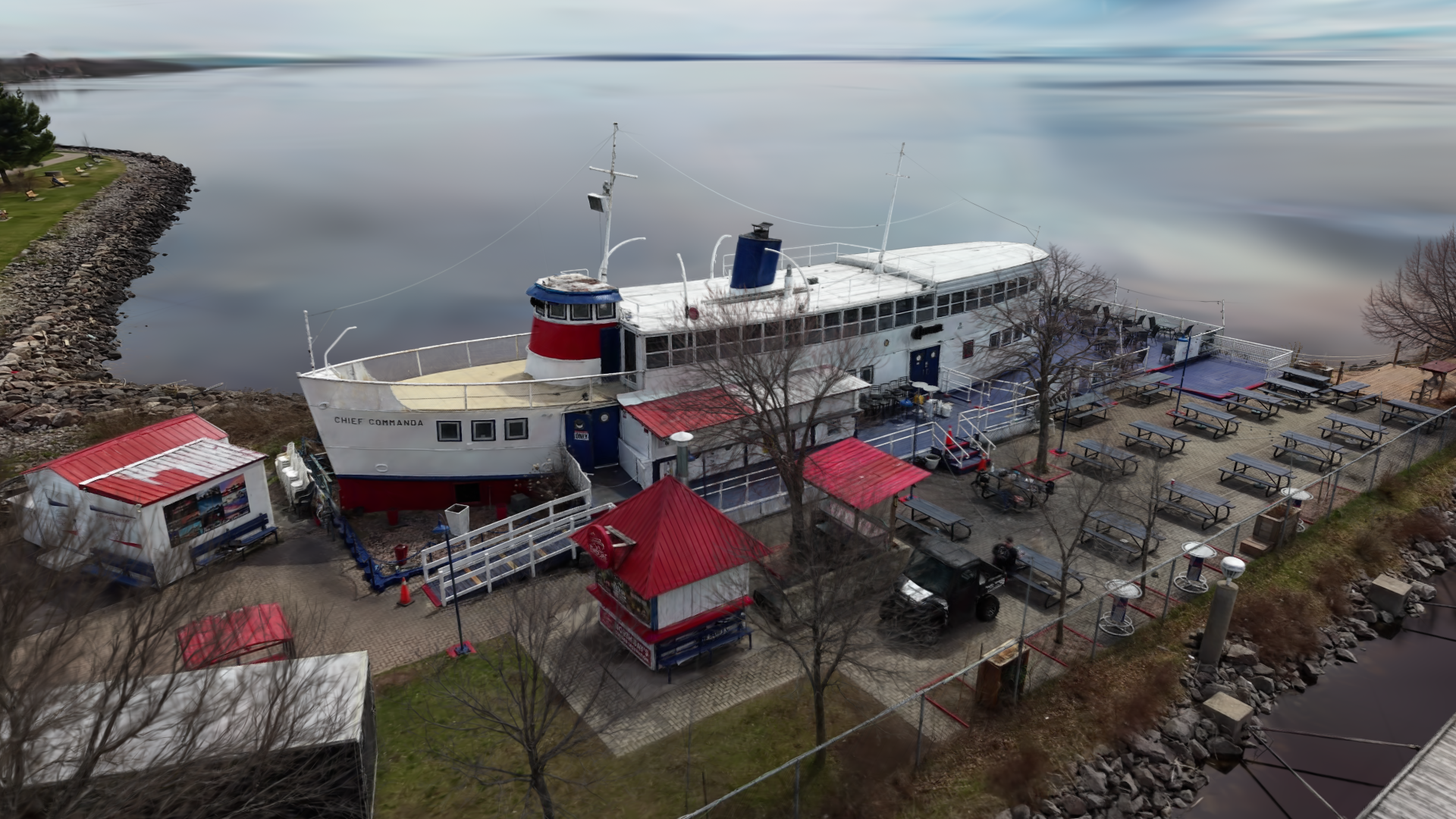
Step 01
Site Capture
High-resolution drone imagery for roofs, yards, driveways, elevations, and hard-to-reach exterior details.
Drone services & spatial software
ScanAir serves Guelph, Ontario & surrounding areas with aerial capture, 3D site context, and practical software tools that turn field capture into clearer decisions. Our software solutions are available globally.
From a single capture flight to a full 3D record — choose the level of detail a project actually needs.
High-resolution drone imagery for roofs, yards, driveways, elevations, and hard-to-reach exterior details.
Property reconstructions and visual records that make scope discussions easier to review and share.
Marked-up visuals and practical planning views for exterior renovations, landscaping, and site improvements.
Tell us what you need captured, documented, or turned into a planning visual.
View sample scenes to give you an interactive look at scan quality, site context, and the kind of spatial record a project can keep after capture.
Survey-grade site context
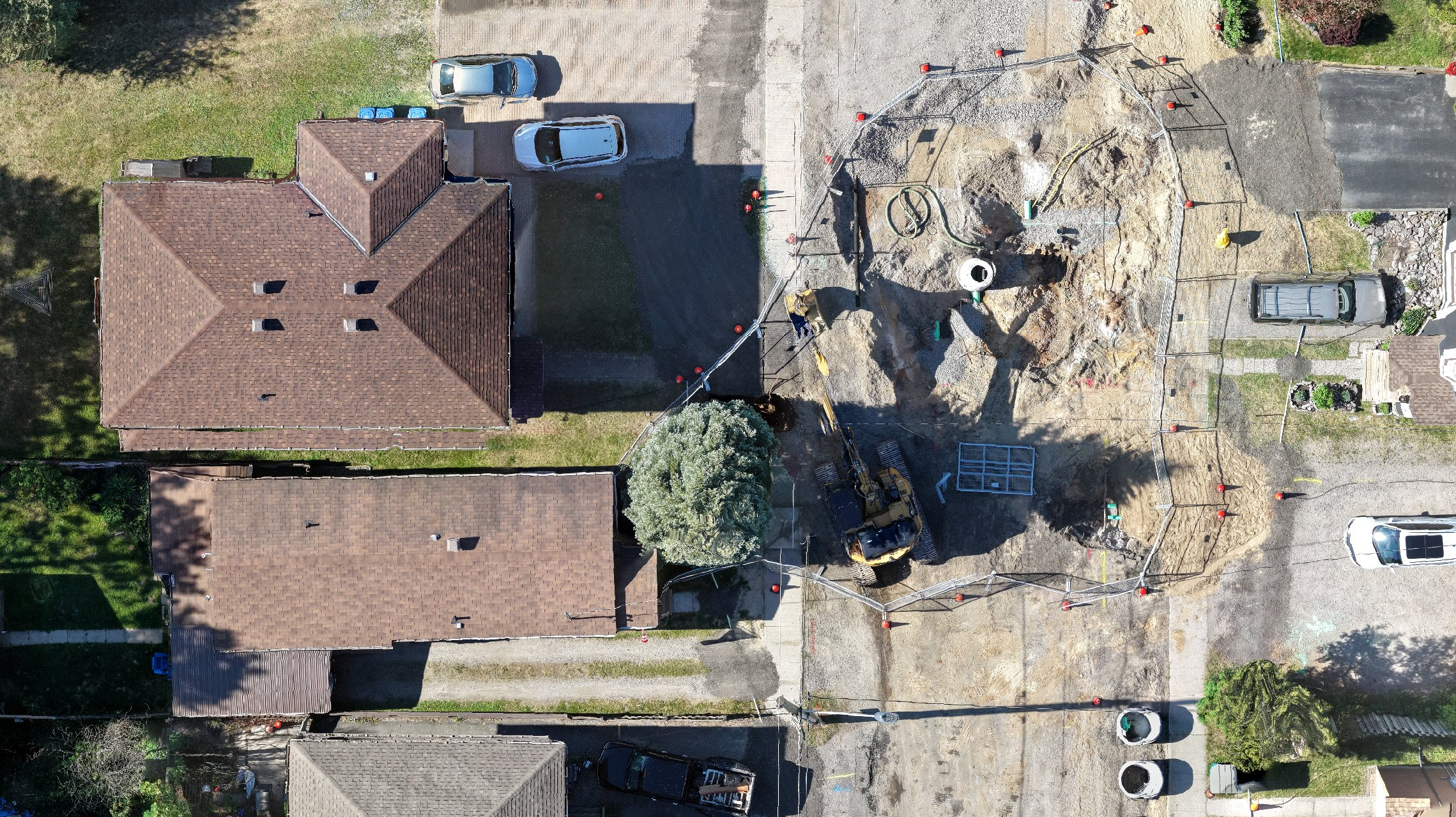
High-resolution capture preserves the boundaries, surfaces, and site conditions that ordinary satellite imagery leaves unclear. Move the divider to see what better source data brings into focus.
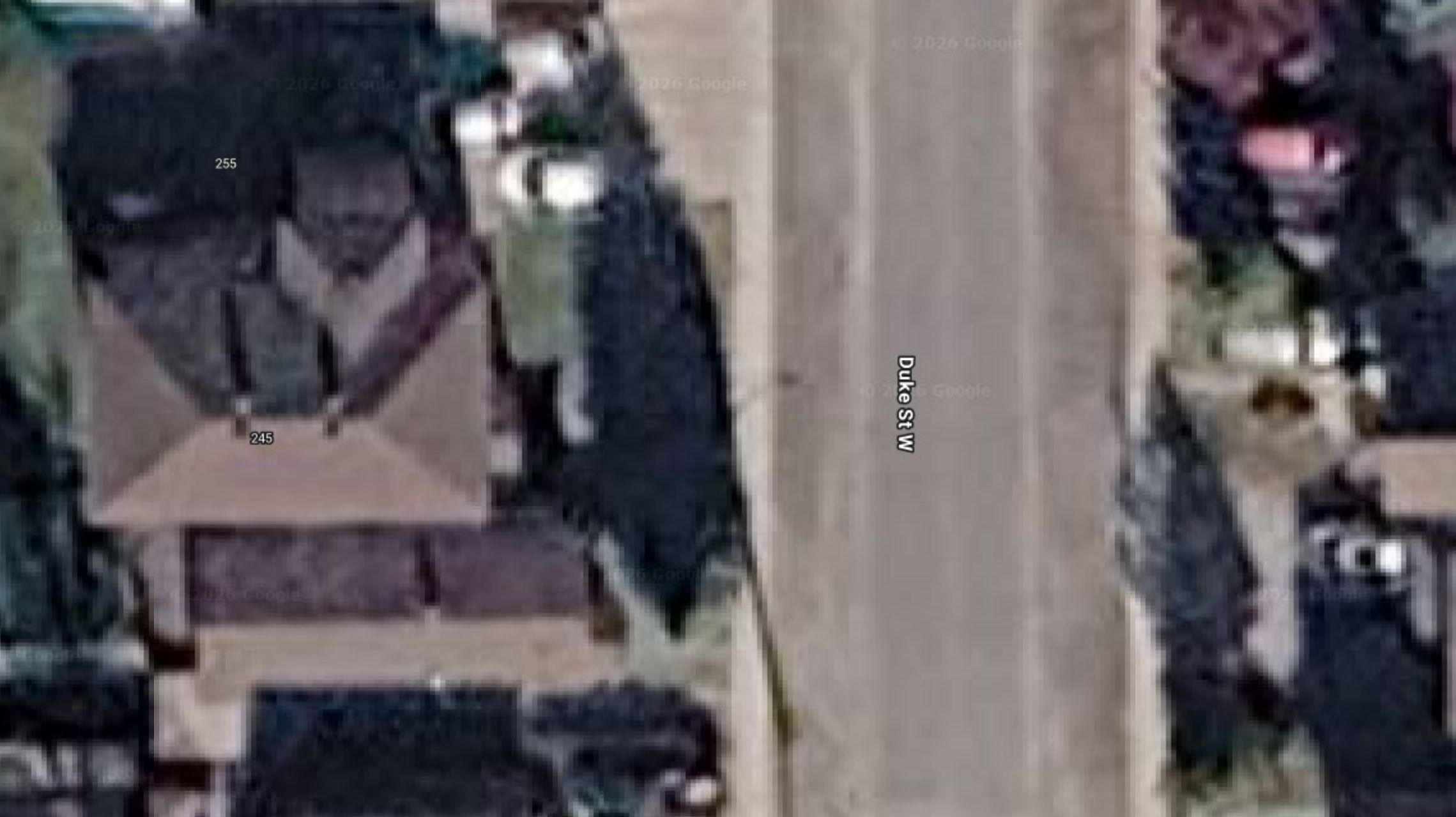
 Baseline reference
ScanAir capture
Baseline reference
ScanAir capture
Read rooflines, edges, access points, and work limits with less ambiguity.
See ground conditions and site changes without the blur of broad satellite capture.
Give project teams a current visual record they can reference and share.
Three steps turn a site into something you can actually use — review it, share it, and plan from it.
We fly the site and record high-resolution aerial imagery across roofs, elevations, and ground-level detail.
Imagery becomes 3D — Gaussian splatting, photogrammetry, and measured site context you can move through.
You get visuals, planning views, and a spatial record of the site you can revisit long after the flight.
ScanAir supports teams that need practical aerial documentation, 3D site context, or visual planning material for spaces that are difficult to explain from the ground.
Discuss a Use CaseFacility context, site records, and inspection views for complex exterior spaces.
Destination visuals and immersive 3D context for places people want to explore.
Property perspectives that make listings and site conversations easier to understand.
Progress records, planning views, and clearer owner-facing visual references.
Spatial documentation for parks, campuses, streetscapes, and shared outdoor areas.
Coverage maps and aerial context for temporary layouts and site logistics.
Custom capture workflows for unique spaces and unusual site constraints.
Build consumer DJI drone paths for DJI Fly with a 3D drone path editor tailored for 3D scanning, photogrammetry, coverage planning, and cleaner scan routes before takeoff.